Verci
Lyrics on your lock screen that light one word at a time — synced to the moment each word is sung
Menu bar app · Spotify and Apple Music · macOS 14 or later
Four display styles
One song,
four ways to read it.
The timings underneath never change — only the way the words arrive. Switch styles from the menu bar while the track keeps playing. Verci reads a wide range of songs; around 9 in 10 of the tracks we tested have word-level lyrics available.
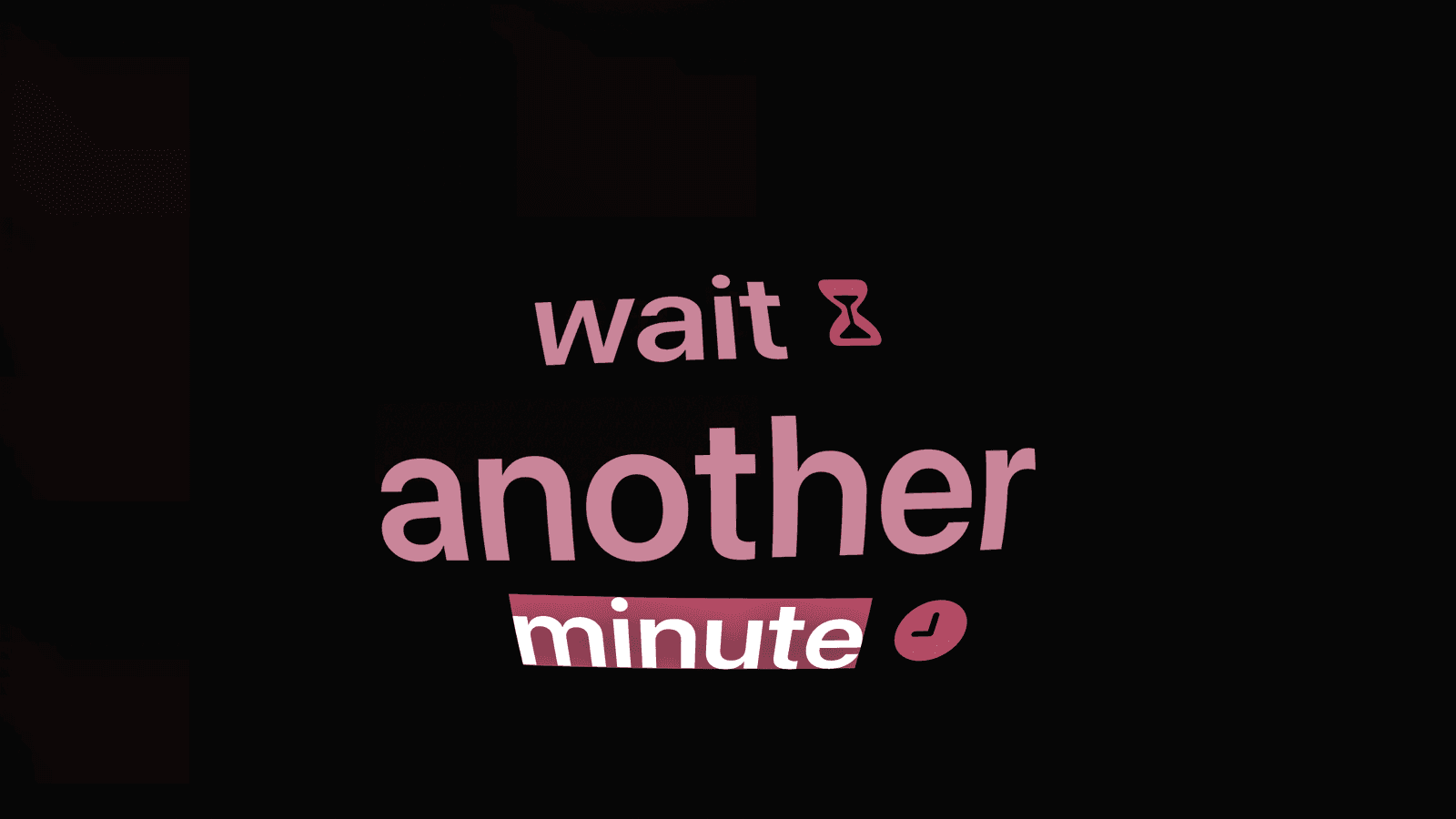
Ship
Words stack into a wall that drifts in three dimensions.
Fisheye
A convex stack under a real Metal lens shader — the current word sits closest to the glass.
Fisheye Visual
The same lens with the icons switched on. Glass and pictures at once.
Visual
Matched SF Symbols and emoji pop in beside the words. Around 770 words are mapped.
Make it yours
The palette comes
off the album.
Set the three colours yourself, or turn on Auto Sync and let the record decide. Change the song and the light changes with it.
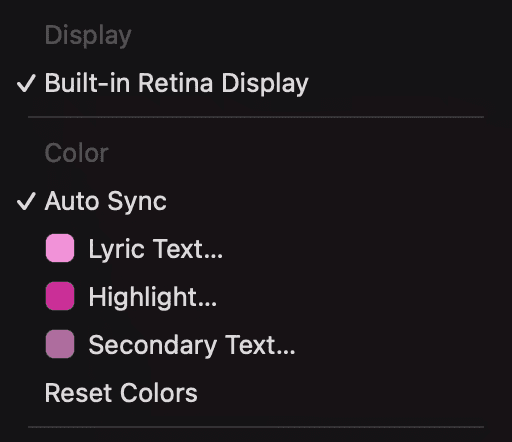
Three colors, set by hand
Choose the lyric, the highlight and the secondary colour yourself.
Or let Auto Sync read it
Verci pulls the palette from the album art of whatever is playing.
Stays lit while it plays
Verci holds the display awake so the lyrics never dim mid-song.
Lock screen, or always
Show the words only when the Mac is locked, or keep them up the whole time. One toggle.
Four steps
Set up in a minute
No installer and no account. Download it, drop it in, and play something.
Lives in the menu bar- 1
Download Verci
Grab the .dmg and open it.
- 2
Move to Applications
Drag Verci.app into your Applications folder.
- 3
Open it
Verci lives in the menu bar. There is no dock icon and no window to manage.
- 4
Press play
Start anything in Spotify or Apple Music, then lock your Mac. The words follow the song.
FAQs