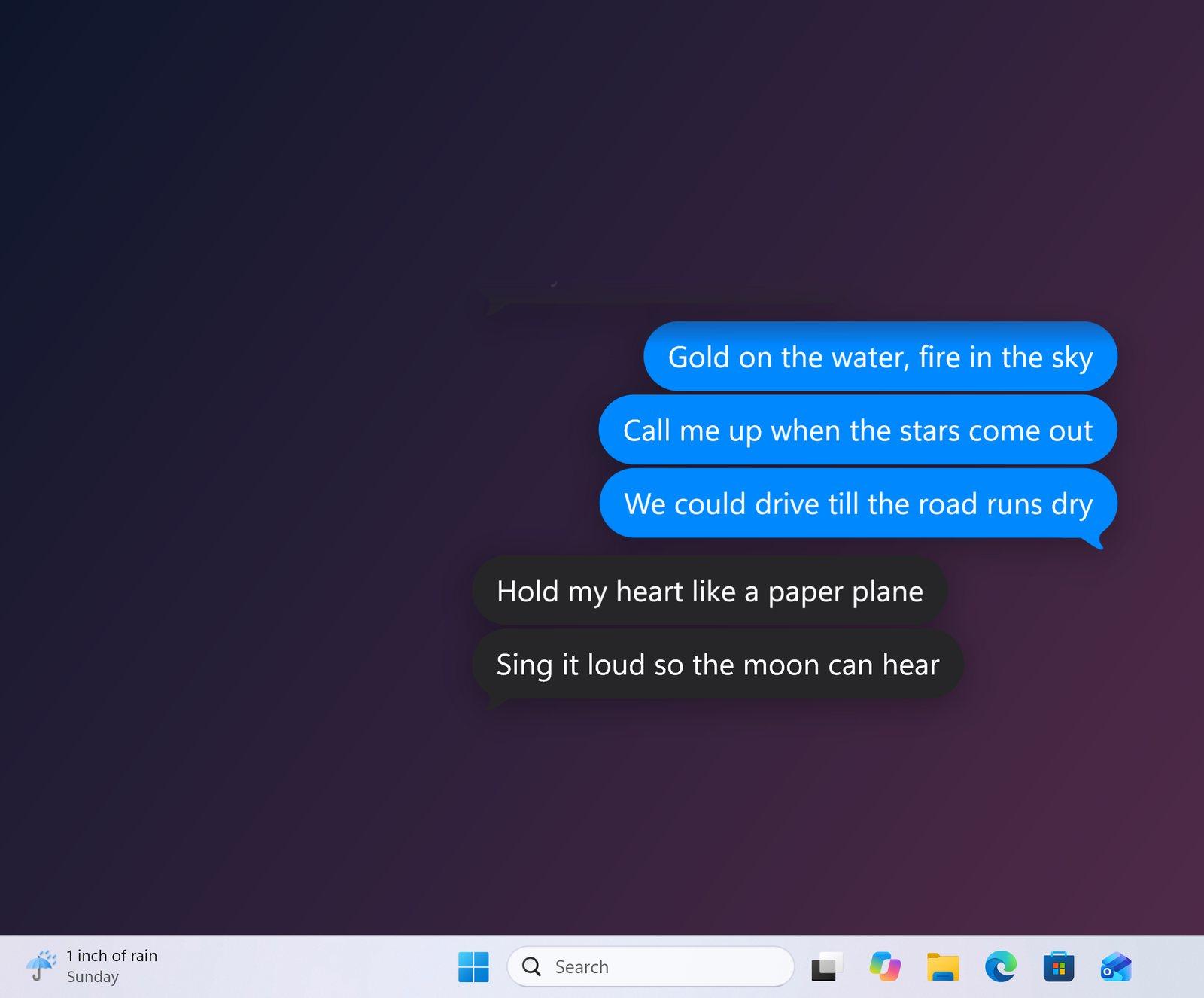
Windows has no setting for showing song lyrics on the desktop, and Spotify and Apple Music show lyrics inside their own apps, so the words go as soon as you switch to something else. To keep them on screen while you work, install an app that draws them there. Verci for Windows does this for Spotify and Apple Music, lighting each word as it is sung in a see-through layer that never takes a click.
What you need
- A PC running Windows 10 (version 22H2) or Windows 11, on x64 or Arm.
- Spotify or Apple Music, with a song playing.
- Verci from the Microsoft Store, which is free to download, and a license key from verci.xyz.
Step by step
- Install Verci from the Microsoft Store.
- Open it. A short first run shows what it puts on your screen.
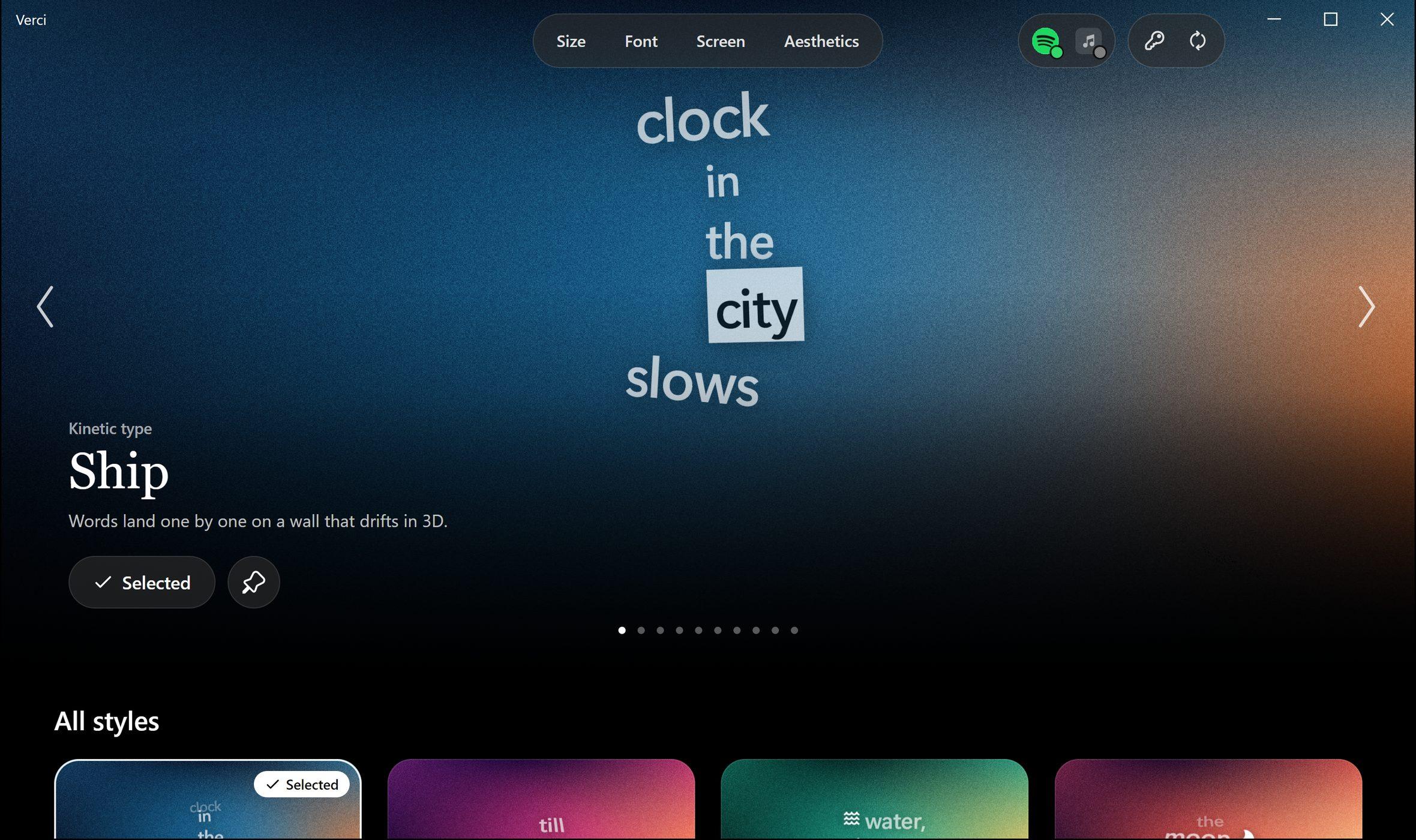
- Pick a style in Verci’s window. You can watch all 10 play before you choose.
- Enter the license key from your purchase email. A key bought for the Mac works here too.
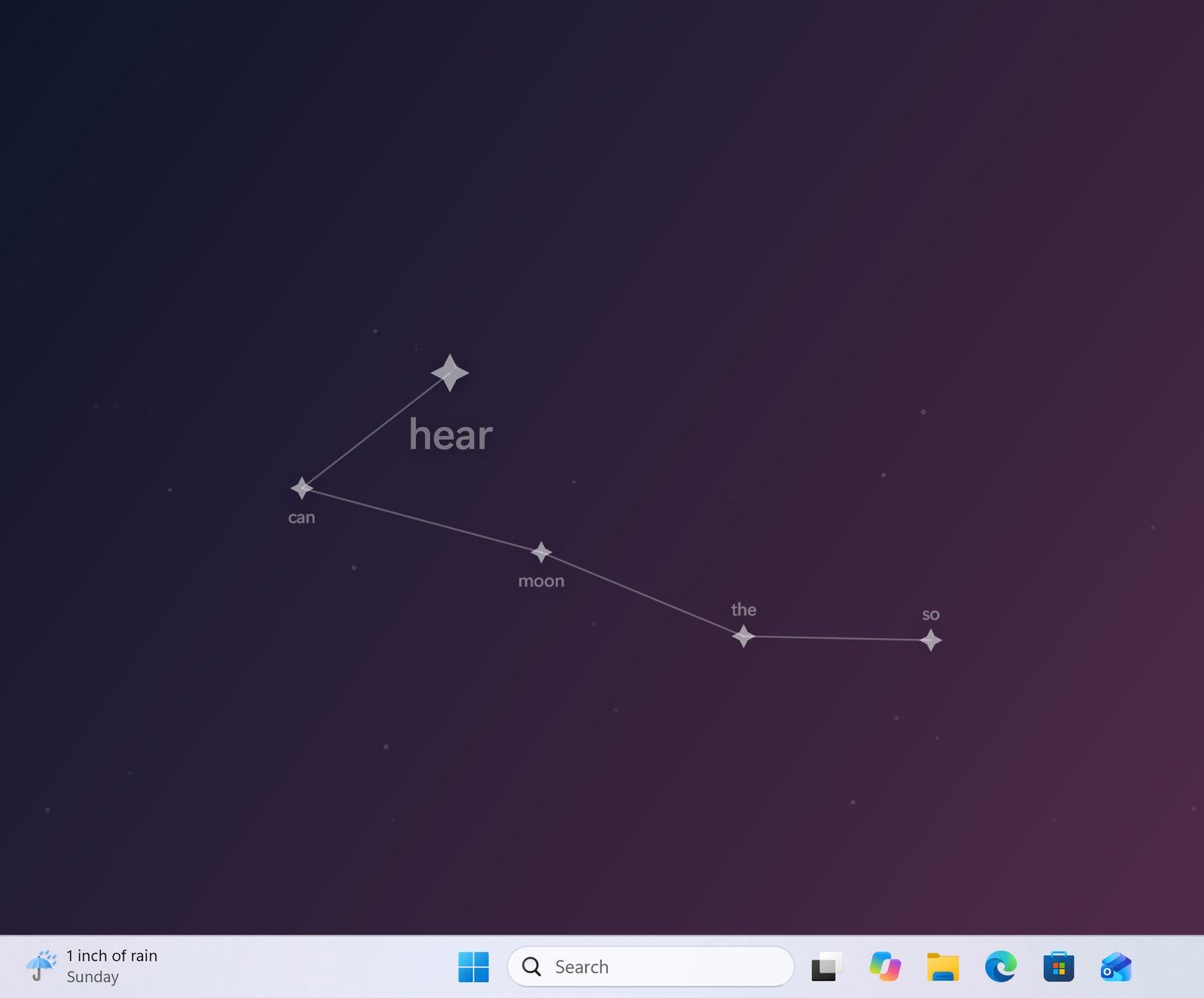
- Play a song in Spotify or Apple Music. The lyrics appear over your desktop, and each word lights as it is sung.
Keep working while the words play
The lyrics sit in a see-through layer that never takes a click, so you can keep typing, clicking and dragging underneath. Verci draws nothing when there is nothing to show: between lines, when the music is paused, or while its own window is in front.
Choose which screens show lyrics
Open Verci’s window and choose Screen. It lists every display connected to your PC, each with its own switch. The same panel turns lyrics off altogether with Show lyrics, and keeps the screen awake while music plays.
Switch styles mid-song
Pin your favourite styles in Verci’s window and they appear in the tray menu, so you can switch with a click while the track keeps playing.
If a song shows no lyrics
Click the Spotify or Apple Music dot at the top of Verci’s window. A checklist shows whether the player is open, what is playing and whether lyrics were found. Then:
- The player isn’t open. Verci follows Spotify, from the Microsoft Store or Spotify’s own installer, and the Apple Music app while they are running.
- The song has no lyrics. About 9 in 10 tracks we tested have word-level lyrics. The rest tend to be niche or obscure releases.
If the words run early or late, the same panel shifts them earlier or later for the song that is playing. The shift resets when the next song starts.
On a Mac
Verci for Mac shows the same lyrics on your lock screen, with three extra Native Design styles, and one license covers both. See how to show lyrics on your Mac lock screen.
Questions
Can Windows show song lyrics on the desktop without an app?
No. Windows has no setting for it, and Spotify and Apple Music show lyrics inside their own apps, so the words go when you switch to something else.
Does Verci for Windows show lyrics on the lock screen?
No. On Windows, Verci shows lyrics over your desktop instead, in a layer that never takes a click. The lock-screen mode is on the Mac.
Is Verci free on the Microsoft Store?
The download is free. Verci needs a license key to show lyrics, bought once at verci.xyz, and the same key works on a Mac.
Which versions of Windows does Verci run on?
Windows 10 version 22H2 and Windows 11, on x64 and Arm PCs.